
How to Map a Manual Workflow Before Automating It
Observe actual work, exceptions, handoffs, data, decisions, and failure paths before choosing technology. Read a practical framework from CodersDive.
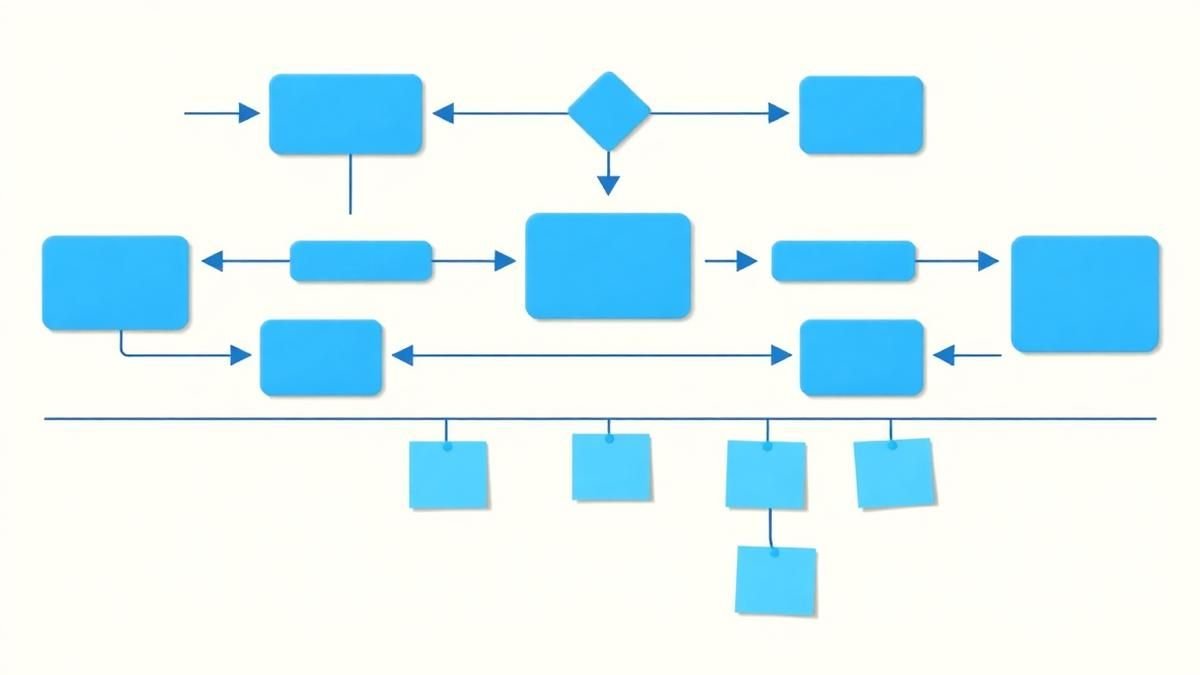
How to Map a Manual Workflow Before Automating It is not mainly a technology question. It is a decision about workflow, handoffs, data, exceptions, and adoption. Teams get into trouble when they select a tool or feature before agreeing on the business behavior that needs to change. Observe actual work, exceptions, handoffs, data, decisions, and failure paths before choosing technology.
Start with the decision, not the tool
The useful starting point is to describe the current situation in plain language. Who is trying to do what? What slows them down? What information do they need? What happens when the normal path breaks? A good answer exposes the real constraint. It may be missing context, weak trust, unclear ownership, inconsistent data, or an experience that asks too much before delivering value.
Define the outcome in observable terms
Then translate the problem into a measurable product or operational outcome. Avoid goals such as "use AI," "modernize," or "improve the UX." Prefer a statement such as: reduce the time required to complete a task, increase the percentage of users reaching a meaningful milestone, lower preventable errors, or give operators reliable visibility into exceptions. A concrete outcome gives the team a way to compare options and say no to attractive distractions.
A practical framework
A practical framework is:
- 1Observe the current process
- 1Map decisions and data ownership
- 1Design for exceptions
- 1Integrate around a source of truth
- 1Measure operational change
The failure mode to watch
The most common failure is treating the visible interface as the whole solution. In reality, the result depends on the surrounding system: data quality, permissions, integrations, ownership, support, analytics, and the behavior of people who must adopt it. A polished screen cannot compensate for a workflow that remains unclear or a system nobody trusts.
Protect the learning in the first release
For a first release, protect the learning objective. Build only enough to test the central assumption with realistic users and operating conditions. Define what success, failure, and "needs another iteration" look like before launch. That makes the project a controlled decision rather than an expensive act of optimism.
Final thought
The right answer to how to map a manual workflow before automating it is rarely a universal best practice. It is the approach that fits the product stage, risk, users, operating model, and evidence available now. CodersDive helps teams turn that context into a focused plan, a credible release, and a system they can continue to own.
focused discovery or product engineering engagement.
The most common failure point in automation isn't the code; it is the "implicit knowledge" held by operators that never makes it into the documentation. Transitioning from a visual flowchart to a functional specification requires deconstructing every micro-decision into binary logic that a machine can execute.
Mapping the "Shadow Handoffs"
To map these, you must document the "transformation layer" of the handoff. If a team member receives a PDF invoice and manually types the data into an ERP, the handoff isn't just the file transfer—it’s the optical character recognition (OCR) and data validation performed by the human brain. You must identify: * The Source of Truth: Where the data originates versus where it is stored. * The Format Shift: Does the data change from CSV to JSON, or from unstructured text to structured fields? * The Latency Buffer: How long does a task sit in a queue before the next actor picks it up?
Mini-scenario: A Fintech startup attempts to automate their "Know Your Customer" (KYC) process. They realize the manual process includes a step where an analyst checks a LinkedIn profile if the ID photo is blurry. The automation fails because the "Shadow Handoff" to a browser-based search wasn't documented, leaving the bot stuck on a low-confidence image match.
Engineering the Exception Logic
Use the following criteria to evaluate every decision point: 1. Is it Deterministic? Given the same input, will the outcome always be the same? If no, it requires a human-in-the-loop (HITL) trigger. 2. Is it High-Frequency, Low-Complexity? These are the primary candidates for straight-through processing (STP). 3. What is the "Rollback" Trigger? Define the exact data point that should cause the automation to stop and alert a human supervisor. 4. What is the Cost of Error? If the cost of a false positive is higher than the cost of manual processing, the exception must be routed to a manual queue.
Metrics to track during this phase include the Exception Rate (percentage of cases that don't follow the standard path) and Mean Time to Resolve (MTTR) for those exceptions. High MTTR for manual exceptions indicates that the automation will likely create a bottleneck rather than a shortcut.
Quantifying the "As-Is" Performance
Focus on these specific technical metrics: * Cycle Time: The total time from the start of the trigger to the final output. * Touch Time: The actual time an employee spends working on the task (excluding wait times). * Throughput: The number of units processed per hour/day. * Error Rate: The frequency of data entry errors or missed steps in the manual version.
By documenting these, you create a "success threshold." If a manual process takes 10 minutes of touch time with a 2% error rate, a $50,000 automation project that reduces touch time to 2 minutes but increases the error rate to 5% due to fragile logic is a net loss for the business.
Frequently asked questions
How do we handle processes that rely on "gut feeling" or intuition? Intuition is usually just a set of complex, undocumented heuristics. Ask the operator, "What specific data points did you look at to reach that conclusion?" If they cannot define the inputs, that specific step cannot be automated and must remain a human-in-the-loop task within the larger automated workflow.
Can we map and automate at the same time? No. Attempting to build the solution while defining the problem leads to "scope creep" and fragmented architecture. Mapping should result in a frozen functional requirement document. Only once the manual logic is validated should the engineering phase begin.
Is a screen recording enough to map a workflow? A recording captures the *how* but not the *why*. A user might click a button because of a specific detail in a previous email that isn't visible on the screen. Recording is a helpful starting point, but it must be supplemented by a structured interview to uncover the underlying decision logic.
Have a similar decision in front of you? Talk to CodersDive about a focused discovery or product engineering engagement.
Discuss your product Digital Transformation
The Best Internal Tools Start With Operational Friction
Use repeated delays, duplicate entry, visibility gaps, and approval bottlenecks to find valuable opportunities. Read a practical framework from CodersDive.
 Digital Transformation
Legacy Modernization Without a Big-Bang Rewrite
Modernize through boundaries, APIs, strangler patterns, data plans, and incremental value. Read a practical framework from CodersDive.
 Digital Transformation
How to Connect Disconnected Business Systems
Create a shared integration map, source-of-truth decisions, event flows, and monitoring. Read a practical framework from CodersDive.