
Native App, Cross-Platform App, or Progressive Web App?
Choose based on device capability, distribution, budget, update cadence, and user behavior. Read a practical framework from CodersDive.
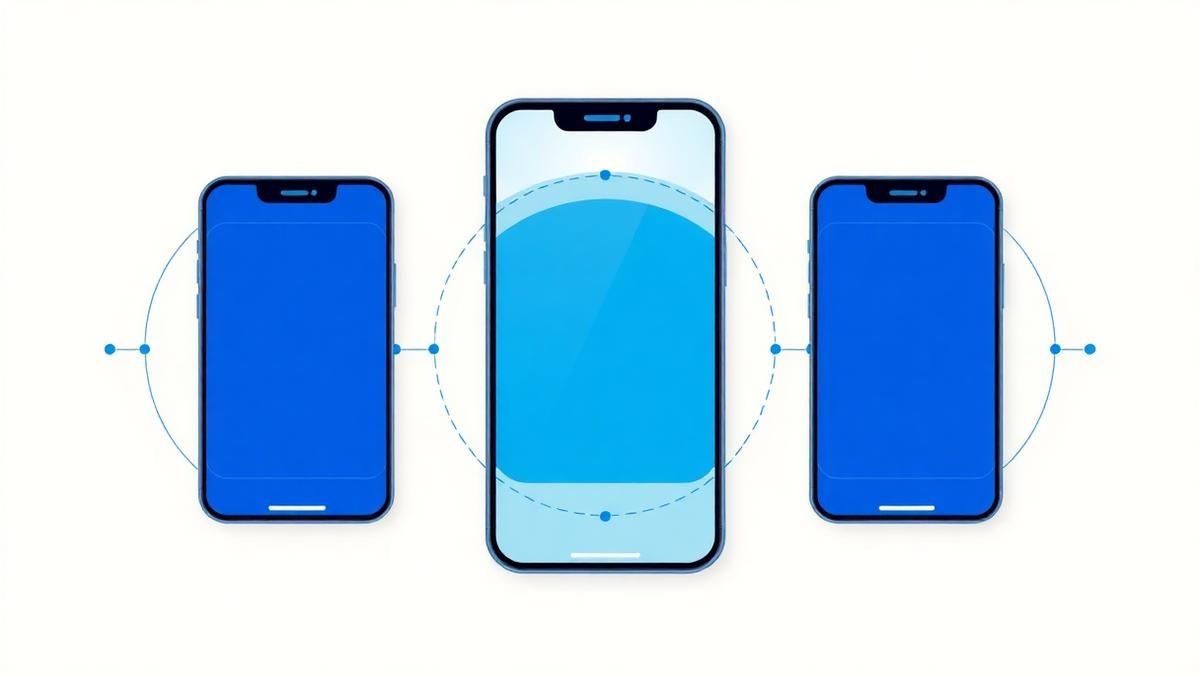
Native App, Cross-Platform App, or Progressive Web App? is not mainly a technology question. It is a decision about clarity, hierarchy, feedback, accessibility, and performance. Teams get into trouble when they select a tool or feature before agreeing on the business behavior that needs to change. Choose based on device capability, distribution, budget, update cadence, and user behavior.
Start with the decision, not the tool
The useful starting point is to describe the current situation in plain language. Who is trying to do what? What slows them down? What information do they need? What happens when the normal path breaks? A good answer exposes the real constraint. It may be missing context, weak trust, unclear ownership, inconsistent data, or an experience that asks too much before delivering value.
Define the outcome in observable terms
Then translate the problem into a measurable product or operational outcome. Avoid goals such as "use AI," "modernize," or "improve the UX." Prefer a statement such as: reduce the time required to complete a task, increase the percentage of users reaching a meaningful milestone, lower preventable errors, or give operators reliable visibility into exceptions. A concrete outcome gives the team a way to compare options and say no to attractive distractions.
A practical framework
A practical framework is:
- 1Start with the user's task
- 1Make priority visible
- 1Design every state
- 1Reduce interaction cost
- 1Test on real devices and constraints
The failure mode to watch
The most common failure is treating the visible interface as the whole solution. In reality, the result depends on the surrounding system: data quality, permissions, integrations, ownership, support, analytics, and the behavior of people who must adopt it. A polished screen cannot compensate for a workflow that remains unclear or a system nobody trusts.
Protect the learning in the first release
For a first release, protect the learning objective. Build only enough to test the central assumption with realistic users and operating conditions. Define what success, failure, and "needs another iteration" look like before launch. That makes the project a controlled decision rather than an expensive act of optimism.
Final thought
The right answer to native app, cross-platform app, or progressive web app? is rarely a universal best practice. It is the approach that fits the product stage, risk, users, operating model, and evidence available now. CodersDive helps teams turn that context into a focused plan, a credible release, and a system they can continue to own.
focused discovery or product engineering engagement.
While the high-level differences between these frameworks are well-documented, the decision hinges on the operational friction your team can tolerate across the product lifecycle. Choosing a stack is not just a development decision; it is a long-term commitment to a specific deployment velocity and maintenance overhead.
The distribution and update cadence trade-off
The most significant friction point in native and cross-platform development (Flutter, React Native) is the intervention of third-party gatekeepers. When you ship a Progressive Web App (PWA), your update cadence is limited only by your CI/CD pipeline. For native apps, you are beholden to the App Store and Play Store review cycles, which can range from hours to several days.
Consider a fintech startup launching a high-frequency trading feature. If a critical calculation bug is found, a PWA allows for an instant server-side patch that affects all users immediately upon their next session. A native or cross-platform app requires a binary submission, a review period, and, crucially, user adoption of the update. Even with "forced update" logic, you risk churning users who are on metered data or low storage.
Decision criteria for update velocity: 1. Regulatory oversight: If your industry requires frequent compliance-driven UI changes, the PWA’s bypass of store reviews is a strategic advantage. 2. Feature experimentation: If you plan to run aggressive A/B tests on UI components, native/cross-platform "CodePush" tools exist but often skirt the edges of store terms of service. 3. Emergency recovery time objective (RTO): If your product cannot tolerate a 24-hour lag to fix a critical frontend breaking change, lean toward PWA or a hybrid "Server-Driven UI" architecture within a native shell.
Deep-access hardware integration and backgrounding
If your product requires persistent background processing or deep integration with specialized hardware, the abstraction layers of PWAs and cross-platform frameworks often fail. While a cross-platform app can access the camera or GPS via plugins, native development remains the only viable path for high-performance threading and niche sensor data.
Take the example of a professional-grade audio editing tool or a health-tech app that must maintain a constant, low-latency Bluetooth Heart Rate Monitor (HRM) connection in the background. While PWAs have gained some Web Bluetooth capabilities, iOS support is notoriously restrictive to protect battery life. Cross-platform bridges (the "bridge" in React Native or "channels" in Flutter) introduce a serialization overhead that can lead to dropped frames or latency in data-heavy environments.
Signals that you must go Native: * Persistent Background Tasks: The app must run complex logic while the screen is off (e.g., active GPS tracking for logistics). * Zero-Latency UI: The interface requires 120Hz animations or complex gesture recognizers that must not stutter under CPU load. * Custom Peripherals: You are connecting to proprietary hardware via BLE or USB where third-party libraries only exist in Swift/Kotlin.
Calculating the total cost of ownership (TCO)
The initial build cost is a deceptive metric. A cross-platform approach often promises "write once, run anywhere," but the long-term TCO frequently reveals hidden costs in "platform-specific branching." As your app matures, you will inevitably write platform-specific code to handle how Android handles "Back" button behavior versus iOS’s swipe-to-dismiss.
A PWA generally has the lowest TCO because it utilizes a single codebase and avoids store maintenance fees and specialized mobile DevOps. However, if your user base is primarily on iOS, the "cost" of a PWA may manifest as higher customer acquisition costs (CAC) because you lose the organic discovery and "installed" prestige of the App Store.
The TCO Checklist: 1. Environment parity: Do you have the resources to maintain three staging environments (Web, iOS, Android) for a cross-platform app? 2. Bridge maintenance: Can your team maintain custom native modules when the primary cross-platform framework (e.g., React Native) undergoes a major version upgrade? 3. Dependency lag: Are you comfortable waiting 2–6 months for a cross-platform framework to support the latest iOS or Android system features (e.g., Dynamic Island or new widget APIs)?
Frequently asked questions
Can a PWA eventually be converted into a native app if we need more features? Yes, but not through a simple automated conversion. You can wrap your existing PWA in a native "WebView" shell (using tools like Capacitor or Cordova) to gain access to the App Stores and some native APIs. However, this is a stop-gap measure; for true native performance and deep system integration, a rebuild in a native language or a robust cross-platform framework like Flutter is eventually necessary.
Is it true that cross-platform apps always perform worse than native apps? In 90% of business use cases—such as CRUD apps, e-commerce, or social feeds—the performance difference is imperceptible to the user. Modern cross-platform frameworks use AOT (Ahead-of-Time) compilation or high-performance rendering engines. The performance gap only becomes an issue in high-compute scenarios like real-time video processing, massive data visualization, or intensive 3D gaming.
Which option provides the best SEO and discoverability? The PWA is the clear winner for SEO because every page is an indexable URL that can be crawled by search engines. Native and cross-platform apps are "dark snapshots" to search engines; while "App Indexing" and "Deep Linking" allow some visibility, they require significant configuration and do not provide the same frictionless conversion as a user clicking a search result and being inside your app immediately.
Have a similar decision in front of you? Talk to CodersDive about a focused discovery or product engineering engagement.
Discuss your product Web, Mobile & UX
What Makes a Website Feel Premium?
Break premium perception into hierarchy, spacing, type, motion, specificity, proof, and restraint. Read a practical framework from CodersDive.
 Web, Mobile & UX
Responsive Design Is More Than Shrinking Desktop
Design task priority, navigation, content order, and interaction specifically for smaller screens. Read a practical framework from CodersDive.
 Web, Mobile & UX
How to Improve a Landing Page Without Redesigning Everything
Use message clarity, proof, CTA hierarchy, friction removal, and performance improvements. Read a practical framework from CodersDive.